Custom apps & dashboards.
Interfaces for orders, inventory, approvals and reporting, built around the people using them. Shape a focused first version or connect an existing operation.


Commission a custom web application, dashboard or automation for your team. We turn the workflow into a defined scope, a working version and an agreed release and handoff.
A focused product, an internal business tool or an integration that connects the work. The brief determines the essential features and priorities.
Interfaces for orders, inventory, approvals and reporting, built around the people using them. Shape a focused first version or connect an existing operation.
Bring spreadsheets, email, Telegram and application records into a connected workflow. Define the information, access rules and review steps each connection needs.
Turn repeatable inputs into structured records, approval requests and documents. Examples include email follow-ups, purchase-order workbooks and PDF delivery.
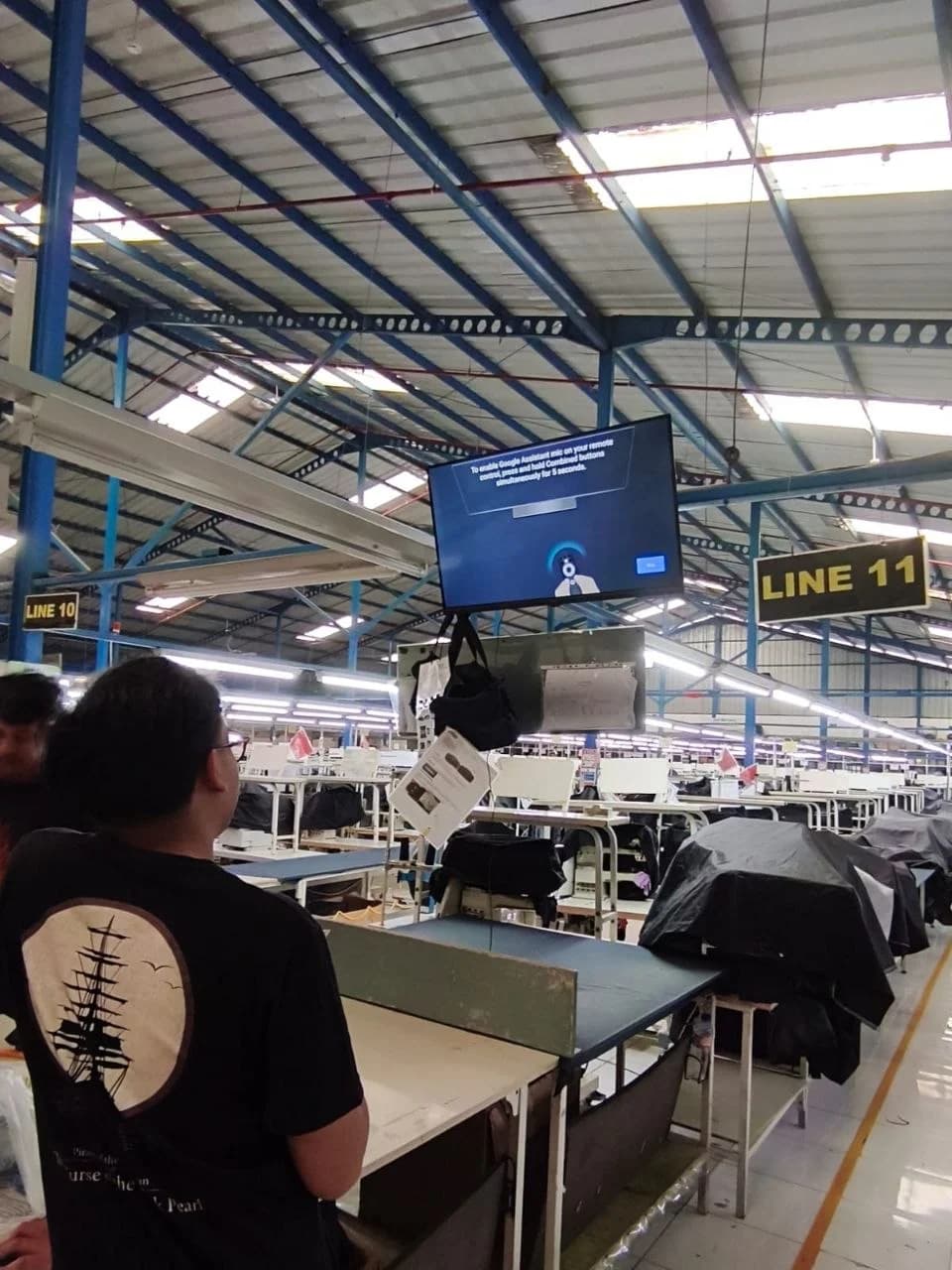
An internal manufacturing implementation connecting operator input, live production monitoring and scheduled reporting.
Deliverables and responsibilities are confirmed for your project before implementation begins.
The intended users, key workflows, screens, integrations and boundaries for the version we are building.
The application, dashboard or automation we plan together, with working demos and review points as it takes shape.
Checks for important journeys, a release checklist and practical handoff information for operating the delivered software.
We review the workflow, number and roles of users, required integrations and relevant timing. The scope confirms features, deployment arrangements, source and access handoff, and any ongoing support.
Share your software briefReview the working software against the brief, then prepare the release and handoff. Each step keeps the delivery focused.
Understand the problem, users and existing tools. Define the first useful version, dependencies and what the quote needs to cover.
Build a working version and review the main screens and workflow against the requirements.
Check the important journeys, permissions and integrations. Resolve the issues that affect the first release.
Follow the deployment plan and hand over the required access, files and operating notes. Follow-up support is confirmed in the project scope.
Production, inventory and approval tools shaped around the teams doing the work. Each system includes its current stage and intended use.
A manufacturing execution system connecting floor input, live production monitoring and scheduled reporting.
Built for a team’s internal operations; not offered as a public app. The case study explains its scope and limits.
End-to-end ERP and manufacturing tracking system built for a multi-brand bag manufacturer, from order intake to shipment.
Built for a team’s internal operations; not offered as a public app. The case study explains its scope and limits.
A desktop operations app connecting workshop jobs, stock, invoices and payments, packaged for a single-user operational trial.
A working prototype. Deployment and use in a real workflow still need verification.
A shared review workflow connecting artwork versions, buyer decisions, supplier samples and quality approval.
A working prototype. Deployment and use in a real workflow still need verification.
Turn incoming email, spreadsheets and requests into structured information, useful documents and clear next steps.
A Telegram bot that converts purchase-order spreadsheets into container checklists and production order lists.
A working prototype. Deployment and use in a real workflow still need verification.
An email workflow that turns operational messages into summaries, priorities, follow-up tasks and risk flags.
A working prototype. Deployment and use in a real workflow still need verification.
An overtime workflow connecting employee requests, routed email approval and PDF delivery to HR.
Built for a team’s internal operations; not offered as a public app. The case study explains its scope and limits.
Tell us what happens today, who needs to use the software and where the process gets difficult. Include the existing tools and any relevant timing so the first conversation can focus on scope.
Discuss a software projectA product idea. A workflow. A photography or design brief.
Bring the context. We’ll start there.